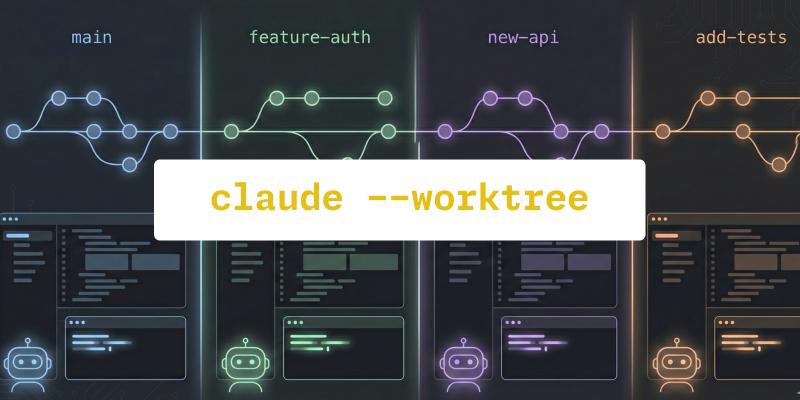
Last week I wrote about how I develop multiple features at once with AI agents and git worktrees. The whole thing was about setting up a hub-and-spoke model where each feature gets its own directory and branch, letting you fire up multiple agents in parallel without them stepping on each other’s files. It worked well, but it involved a fair bit of manual ceremony — bare clones, config flags, naming conventions, cleanup.
Then Boris Cherny, the creator of Claude Code at Anthropic, announced that they’re shipping built-in git worktree support directly in the CLI. The Claude Desktop app has had a worktree checkbox for a while, but bringing this to the command line is what makes it really interesting for those of us who live in the terminal.
As of this release, worktree isolation is now a first-class CLI feature.
One flag instead of a whole setup ritual
In my previous article, getting worktrees going meant cloning as a bare
repo, configuring core.bare and core.worktree, initializing a main
worktree, then creating feature worktrees one by one. Not difficult, but
definitely something you had to learn once and then remember every time.
With Claude Code’s built-in support, it’s one flag:
| |
Claude creates a worktree (by default under something like
.claude/worktrees/feature-auth/), checks out a dedicated branch
(e.g. worktree-feature-auth) based on your default remote branch, and
drops you into an isolated session. Your main working directory stays
exactly as it was.
Under the hood, this appears to map closely to git worktree add
combined with session metadata that Claude manages separately. The
branch, filesystem isolation, and Git history are still standard Git
mechanics — Claude just automates the ceremony around them.
If you don’t care about naming, just let Claude pick one for you:
| |
You’ll get something like bright-running-fox — random, but it keeps
the sessions distinct. The short flag works too, so claude -w is all
you need when you just want quick isolation.
You can also skip the command line entirely and ask Claude mid-session to “work in a worktree” or “start a worktree,” and it will create one on the fly.
Running multiple sessions in parallel
The real value here is the same as what I described in my previous post — running several agents at once, each on its own task. The difference is how little setup is involved now.
Open a few terminal tabs and spin up separate sessions:
| |
Each session gets its own copy of the codebase on its own branch. They share the same Git history and remote, but the files on disk are separate.
Cleanup that reduces friction
In its current implementation, Claude Code handles much of this automatically. When you exit a worktree session, it checks whether there are changes in that workspace. If the worktree is clean, it may remove the worktree and its associated branch. If there are changes, it prompts you to decide whether to keep or remove it.
One thing worth doing: add .claude/worktrees/ to your .gitignore:
| |
Subagents and isolation
From early demos and testing, subagents can also take advantage of worktree isolation. This is still evolving, but it enables stronger parallelism for large refactors.
What this does not solve
Worktrees eliminate file-level collisions. They do not eliminate integration complexity. You still need reviews, rebases, and careful merging.
Pushing to remote. Claude creates the worktree and branch locally, but it does not push to the remote or open a pull request for you. Once work in a worktree session is done, you still need to push the branch yourself and create a PR. This is easy to forget when you have been working across multiple worktrees at once.
| |
Full cleanup after merging. The session-exit prompt handles the simple case, but once you have pushed a branch, merged the PR, and no longer need the worktree, there are a few manual steps left:
| |
None of this is difficult, but it is the kind of housekeeping that accumulates if you spin up worktrees frequently and forget to clean up after merging.
The friction keeps dropping
If you read my previous post and thought this sounded useful but complex, this lowers the barrier:
| |